
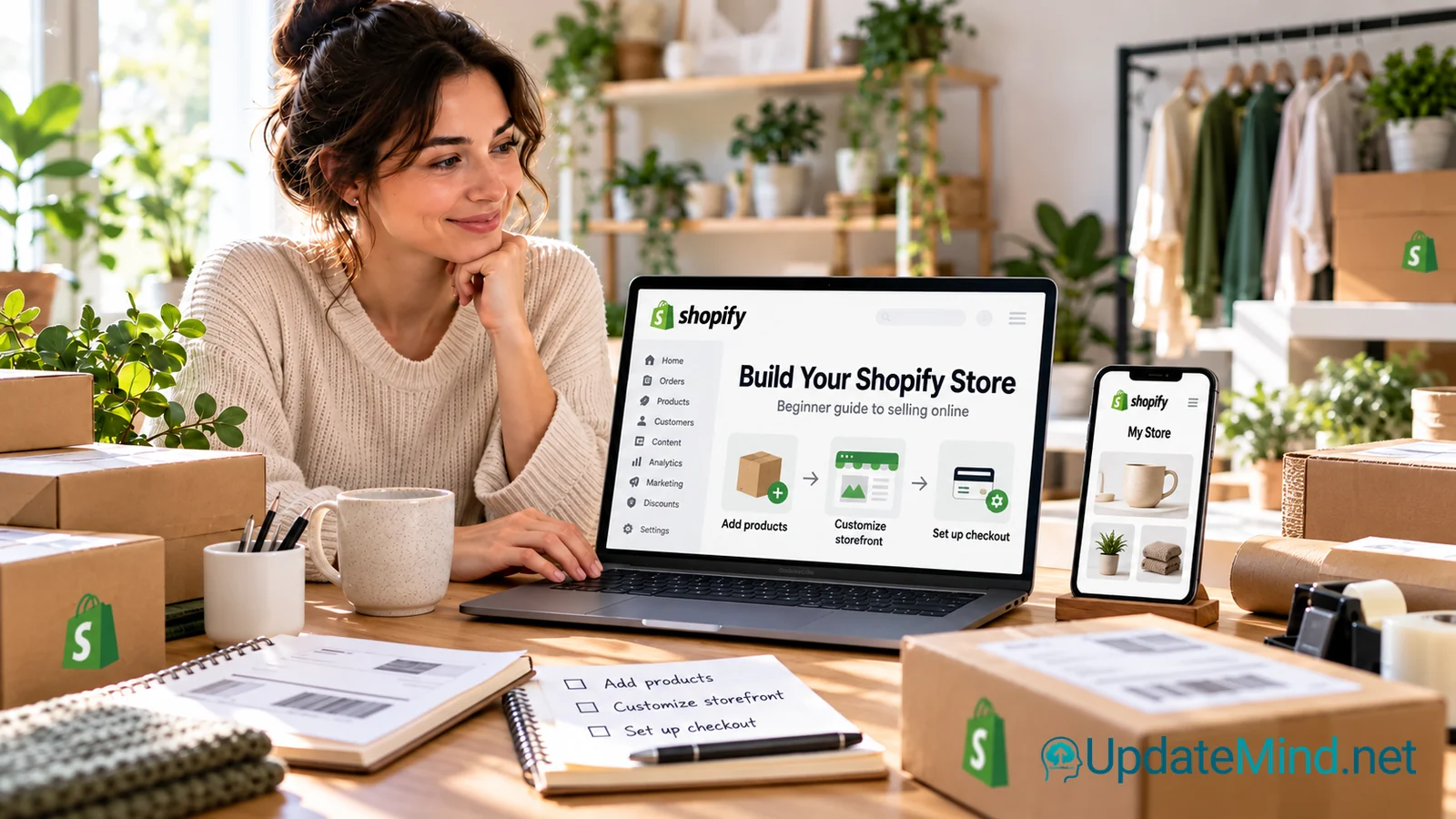
If you want to sell products online, the first challenge is usually not choosing a logo or uploading a few product photos. It is deciding how your store will work from end to end: what customers will see, how they will pay, how orders will be fulfilled, and how you will manage everything afterwards.
Shopify is designed to bring many of those pieces together in one hosted commerce platform. It can be used to build an online store, manage products and inventory, accept payments, organize shipping, and sell through additional channels. It can be a practical option for beginners, but it is not automatically the right choice for every business.
What is Shopify?
Shopify is a cloud-based commerce platform. Instead of installing ecommerce software on your own server, you work through Shopify’s admin area and use its hosted infrastructure to manage your store.
A typical Shopify store can include:
- product pages with images, descriptions, prices and variants;
- collections and navigation menus;
- a custom domain;
- responsive themes for the storefront;
- checkout and payment settings;
- shipping and fulfillment settings;
- order management and customer information;
- reports and analytics;
- additional sales channels and apps.
The exact features, payment options and costs depend on your location, selected plan, payment provider and the way you want to sell. Check Shopify’s current terms and pricing before making a final decision.
Who is Shopify suitable for?
Shopify may suit you if you want to launch a product-based business without building the entire technical foundation yourself. It can be useful for a small brand, a creator selling physical or digital products, a growing online shop, or an existing business that wants a more dedicated commerce system.
It is particularly useful when you value a guided admin interface and want store management, products, checkout and orders in one system.
Shopify may be less suitable if you need highly unusual functionality, complete control over the underlying hosting environment, or a very specific content-management setup. It can also become more expensive as you add paid apps, transaction costs, staff accounts, custom work or more advanced requirements.
What can a beginner build with Shopify?
A beginner can use Shopify to create a focused store rather than trying to build everything at once. For example, you could start with:
- a small collection of physical products;
- a niche catalogue with several product variants;
- a simple brand store;
- digital products, where the delivery method is configured appropriately;
- an online store connected to other sales or marketing channels.
Start with a clear product range and a simple customer journey. A smaller store that is easy to understand is usually easier to test and improve than a large catalogue with incomplete information.
The basic setup process
1. Define what you are selling
Before opening the store, clarify the product, customer and fulfilment model. Decide whether you will hold inventory, work with a supplier, make products yourself, or deliver digital files. These choices affect shipping, returns, taxes, payment options and customer support.
2. Add your first products
In the Shopify admin, products are managed from the Products area. A product normally needs at least a title and a price, but a useful listing should also include clear images, a helpful description, availability information, variants where relevant, and accurate delivery details.
Write for a customer who has never seen the product before. Explain what it is, who it is for, what is included, and what the customer should know before ordering. Avoid exaggerated promises.
3. Choose and customize a theme
A theme controls much of the storefront’s visual presentation. Choose one that makes your products easy to understand on both desktop and mobile.
Check the following before publishing:
- Is the navigation easy to follow?
- Are product images large enough?
- Can visitors find shipping and returns information?
- Is the text readable on a phone?
- Does the checkout path feel consistent with the rest of the store?
Do not spend weeks perfecting visual details before testing the basic customer journey. A clear, trustworthy store is more important than a complicated design.
4. Set up your domain and store information
You can use a Shopify-provided domain or connect a domain that you already own. Use a name that is easy to remember and consistent with your business.
Add the basic information customers need to trust and use the store, including contact details, shipping information, refund rules, privacy information and terms where applicable. Your legal obligations depend on where your business and customers are located, so obtain appropriate legal or professional guidance when necessary.
5. Configure payments and checkout
Shopify Checkout is the part of the store where customers enter shipping details, select available payment methods and place their orders. You need to configure payment providers that are available and appropriate for your business location.
Shopify Payments may be available in some countries, but eligibility and verification requirements apply. Other payment providers may also be available. Check which methods your customers expect and compare the fees, payout timing, supported currencies and requirements.
Before launch, place a test order. Confirm that the checkout works, emails are sent correctly, taxes and shipping behave as expected, and the order appears in the admin area.
6. Configure shipping, delivery and fulfilment
Shipping is part of the product experience, not an afterthought. Decide where you will deliver, which rates apply, how orders will be packed, and how customers will receive tracking information.
Make your delivery expectations visible before checkout. If you offer local pickup, local delivery or international shipping, configure and test each option separately.
7. Organize products and navigation
As your catalogue grows, use collections, menus and filters to help visitors find products. Keep names consistent and avoid creating many nearly identical categories.
A useful store structure often includes:
- a clear home page;
- a shop or collection area;
- individual product pages;
- an about or brand page;
- contact information;
- shipping, returns and policy pages.
What should you check before choosing Shopify?
The monthly plan is only one part of the total cost. Also consider payment processing, transaction fees that may apply, paid themes, apps, domain costs, development help, fulfilment and customer support.
Ask yourself:
- Can I operate the store with the tools included in the plan?
- Which features require a paid app?
- Can I export or access the data I need?
- Which payment providers are available in my country?
- How will I handle taxes, returns and customer support?
- Will the platform still fit if the catalogue or order volume grows?
Review current Shopify pricing, plan limits and feature availability directly before committing. Features and terms can change, and some functionality varies by country.
Shopify is not a guarantee of sales
A Shopify store gives you infrastructure for selling. It does not automatically create demand, a profitable product, repeat customers or reliable traffic. You still need a product people want, clear positioning, useful content, customer service and a realistic plan for reaching potential buyers.
Start with a small, testable store. Confirm that people understand the offer, that checkout works, and that you can fulfil orders properly. Then improve the parts that create friction.
When another solution may be better
Consider another platform if your project is primarily a content website with only occasional sales, if you need deep control over hosting and code, or if your business depends on complex workflows that Shopify cannot support without significant customization.
The best choice depends on your products, technical preferences, budget, location and long-term operating model. Compare the complete cost and daily workflow, not only the homepage features.
A practical next step
Before choosing a platform, write down your first products, target customers, delivery method, payment needs and must-have store features. Then create a small test store and walk through the full journey as a customer: product page, cart, checkout, confirmation and fulfilment.
If Shopify fits that workflow, you can explore Shopify here.
This is an affiliate recommendation. UpdateMind may earn a commission if you use the link, at no additional cost to you. Review Shopify’s current features, pricing, eligibility and terms before signing up.