
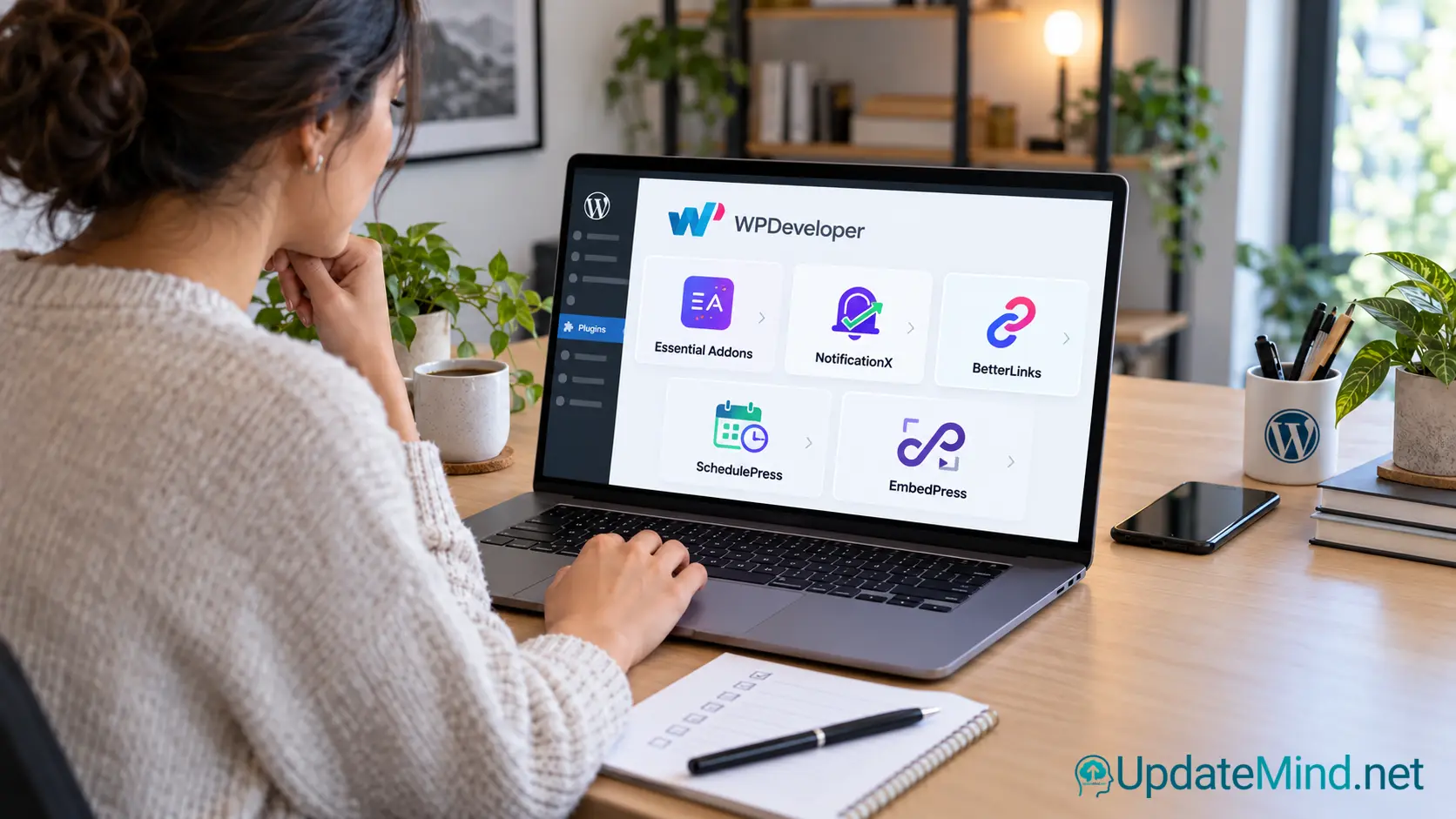
A WordPress website rarely needs dozens of plugins. A better approach is to identify the problem you need to solve, choose the smallest suitable tool, and test it before adding more complexity.
WPDeveloper is a WordPress product company with tools for page building, social proof, link management, scheduling, embedded content, and other publishing tasks. Its products are not one single all-in-one solution, so the right choice depends on your website and workflow.
What is WPDeveloper?
WPDeveloper creates WordPress plugins and related tools for website owners, agencies, creators, and online businesses. The product range includes tools for Elementor and Gutenberg, social-proof notifications, link management, content scheduling, documentation, and embedded media.
The useful question is not “Which plugin has the most features?” It is “Which part of my website needs improvement, and does this plugin solve that specific problem?”
The main WPDeveloper tools
Essential Addons for Elementor
Essential Addons extends Elementor with additional widgets and design elements. It can be useful when the standard Elementor toolkit does not provide the layout component or function you need.
Before installing it, identify the exact widgets you need. A large toolkit may be helpful, but unused features can make a website harder to manage. Keep only the elements that support your actual pages.
NotificationX
NotificationX is designed for notifications such as sales alerts, engagement messages, reviews, and other social-proof displays. It can help an online store or membership website communicate genuine activity to visitors.
Use this type of feature carefully. Notifications should be based on real activity and should not imply purchases, reviews, or results that did not happen. Accurate social proof can support trust; exaggerated or artificial urgency can damage it.
BetterLinks
BetterLinks helps manage shorter links, redirects, and click tracking. This can be useful when you promote external services or affiliate offers and want to update the destination centrally without changing every article.
A link-management system also makes review easier. Before publishing, check the destination, redirect behavior, disclosure, and whether the visible CTA accurately describes where the reader will go.
SchedulePress
SchedulePress is aimed at WordPress publishing workflows that need scheduling and a calendar-based overview. It may be useful for websites with a regular publishing schedule.
Scheduling does not replace editorial review. Articles still need content QA, fact-checking, link checks, image checks, and a final publication decision before they go live.
EmbedPress
EmbedPress is designed to help add external content and media to WordPress pages and posts. It can be useful when you need to present content from another service without manually rebuilding every element.
Check the result on mobile, review loading behavior, and confirm that the embedded service is trustworthy and still available. Also consider privacy, cookies, and whether an external embed is necessary.
How to choose the right tool
Start with one clearly defined problem:
– Need additional page-building elements? Review an Elementor or Gutenberg extension.
– Need to manage external links? Review a link-management tool.
– Need a publishing calendar? Review a scheduling tool.
– Need to display verified activity? Review a social-proof tool.
– Need to add external content? Review an embedding tool.
Then test one solution at a time. Installing several plugins together makes it difficult to identify performance problems, conflicts, or unnecessary features.
What to check before installation
Before installing a plugin, check compatibility with your WordPress version, theme, page builder, and important plugins. Read the official documentation and confirm how support and updates are handled.
Also review:
– whether the free version is sufficient;
– which features require a paid plan;
– whether the plugin loads assets where they are not needed;
– how it handles analytics, cookies, and external services;
– whether it can be removed cleanly;
– whether native WordPress features could solve the same problem.
A plugin should earn its place
Every plugin creates a maintenance responsibility. It may require updates, compatibility checks, backups, configuration, and troubleshooting.
Keep a short record of why each plugin is installed and which part of the site depends on it. If a plugin no longer provides a clear benefit, remove it only after checking what will break and taking an appropriate backup.
A practical evaluation process
1. Define the problem in one sentence.
2. Identify the smallest feature set that could solve it.
3. Read the official documentation.
4. Test the plugin on a backup or staging site when possible.
5. Check the front end on desktop and mobile.
6. Review speed, errors, forms, links, and tracking.
7. Confirm privacy and consent behavior where relevant.
8. Keep the plugin only if it provides a clear benefit.
When WPDeveloper may be a good fit
WPDeveloper may be worth considering if your WordPress workflow needs additional design components, link management, content scheduling, embedded media, or carefully configured conversion elements.
It is not a replacement for hosting, backups, security, email delivery, analytics, or a complete content strategy. Those responsibilities still need reliable systems of their own.
Final takeaway
WPDeveloper offers several WordPress tools for different parts of website building and content operations. The safest way to use the ecosystem is to choose by problem, verify compatibility, test gradually, and remove tools that do not provide a measurable benefit.
Review the current WPDeveloper product range before choosing a tool, and compare the features with the specific problem you want to solve.
Disclosure: This article contains an affiliate link. If you review WPDeveloper through the UpdateMind link, UpdateMind may receive compensation at no additional cost to you.