
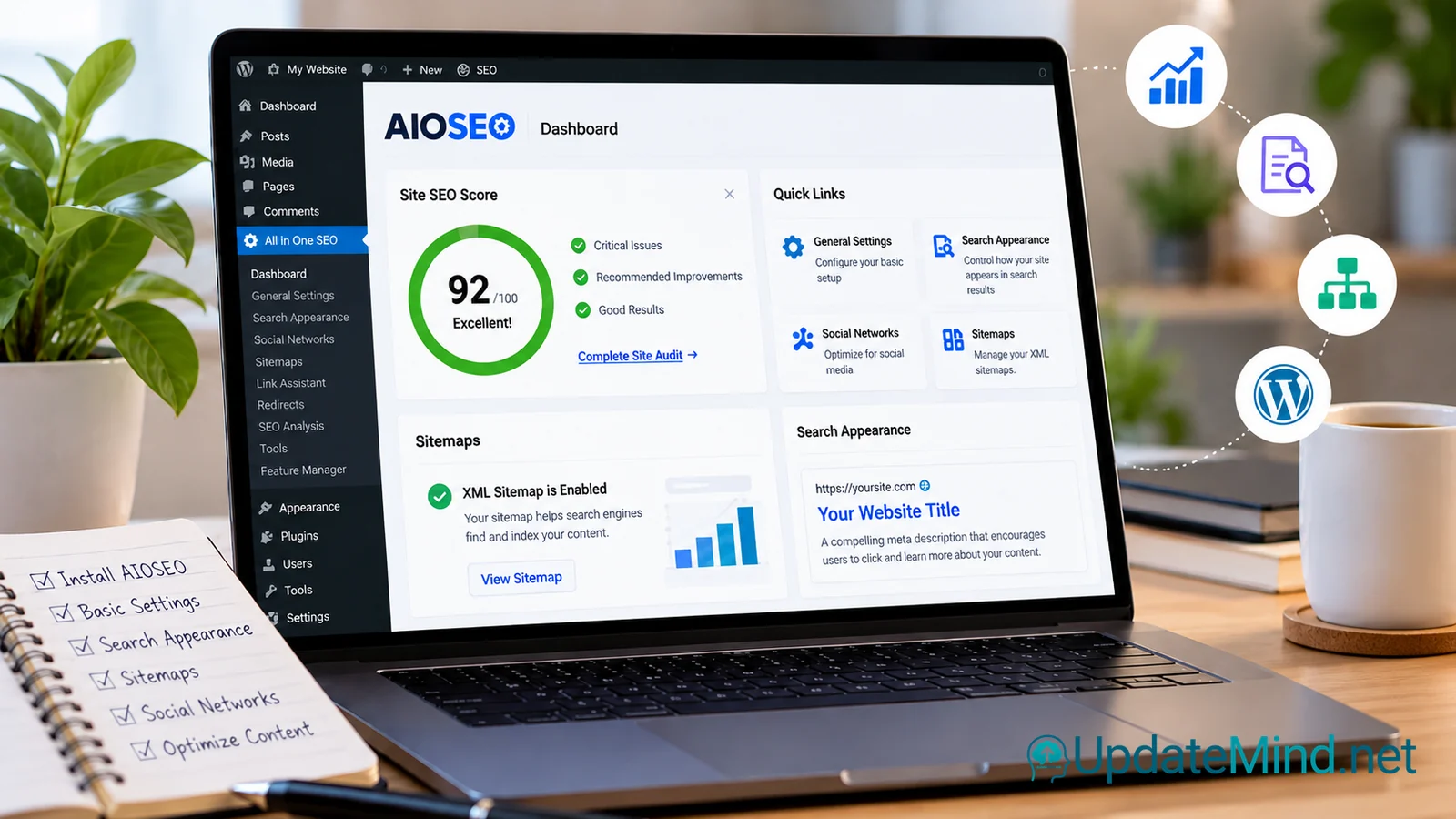
AIOSEO is one of the best-known SEO plugins for WordPress, but installing it is not the same as “doing SEO.” The plugin gives you a practical interface for controlling search appearance, sitemaps, schema, indexing and other SEO settings. The important part is knowing which settings matter first—and which ones you should leave alone until you understand the consequences.
This beginner’s guide walks through a safe, useful starting setup without chasing a perfect plugin score or promising rankings.
Before You Install AIOSEO
Start with your website, not the plugin. Write down what you actually want search engines to find.
For a typical small website, that means identifying:
- the pages and posts that should appear in search;
- content that should remain out of the index;
- the post types, categories and archives you really use;
- whether another SEO plugin is already active;
- the SEO tasks you need help managing.
Avoid running two SEO plugins that control the same metadata at the same time. Duplicate or conflicting titles, descriptions, canonical tags, schema or sitemap settings can make troubleshooting much harder.
1. Run the Setup Wizard Carefully
AIOSEO provides a setup wizard for the initial configuration. Use it as a guided starting point rather than clicking through every screen without reviewing the choices.
Check your site type and basic site information, then pay particular attention to search appearance and indexing choices. If the site represents a business or organization, make sure the identity information reflects the real entity behind the website.
The goal of the first pass is simple: establish sensible defaults without making aggressive changes you cannot explain later.
2. Set Search Titles and Meta Descriptions
AIOSEO lets you define SEO titles and meta descriptions for content types and individual pages.
A useful SEO title should describe the page accurately and make sense to a person who sees it in a search result. A meta description should summarize what the visitor can expect from the page.
Do not repeat a phrase unnaturally just to improve a plugin indicator. Search snippets are not completely under your control, and search engines may show different text when they believe another passage better answers the query.
Treat these fields as clear communication, not as a ranking guarantee.
3. Review What Search Engines May Index
Indexing settings deserve more care than cosmetic SEO scores.
A noindex directive tells search engines that you do not want a page included in their index. That can be useful for some thin, internal, test or otherwise unwanted pages, but applying it to important content by mistake can remove pages from search visibility.
Review the rules for:
- posts and pages;
- categories and tags;
- author or date archives when relevant;
- internal search results;
- custom post types used by your site.
After changing an indexing rule, inspect several real URLs rather than assuming the global setting produced the intended result.
4. Check the XML Sitemap
AIOSEO can generate XML sitemaps that help search engines discover the URLs you want them to crawl.
A sitemap does not guarantee indexing. It is better understood as a structured list of important URLs.
Check that the sitemap:
- loads correctly;
- contains the content types you intend to expose;
- does not fill up with irrelevant or duplicate URLs;
- points to canonical, indexable pages;
- updates when important new content is published.
If another plugin or system also creates sitemaps, make sure you are not maintaining competing versions without a reason.
5. Understand Canonical URLs Before Editing Them
Canonical tags help indicate the preferred version of a page when similar or duplicate URLs exist.
For most beginners, the safest approach is to leave automatically generated canonical URLs alone unless there is a specific duplication problem to solve.
Before overriding a canonical, ask:
- Which URL should be the preferred version?
- Is that URL accessible and indexable?
- Does it use the correct HTTPS version?
- Are there genuinely multiple versions of the same or very similar content?
A canonical field is not a place to experiment casually. A wrong destination can send confusing signals about which page you want search engines to consider primary.
6. Use Schema That Matches the Visible Content
AIOSEO supports schema markup for different kinds of content.
Schema can help search systems understand what a page represents, but the structured data should match the information visitors can actually see. Do not add ratings, prices, FAQs or other facts simply because a schema option exists.
Structured data also does not guarantee a rich result in search.
For a beginner, accuracy is more important than using every available schema type.
7. Treat TruSEO as a Checklist, Not a Score to Max Out
AIOSEO’s TruSEO analysis can flag issues involving titles, descriptions, keyphrases, readability and other page elements.
That can be useful for catching obvious omissions, but a score is not the objective of the page.
Use the suggestions to ask better questions:
- Is the topic clear?
- Does the page answer the searcher’s problem?
- Are the headings useful?
- Are important links working?
- Is the content easy to scan?
- Does the page have a clear next step?
Ignore any temptation to make the writing worse merely to turn an indicator green.
8. Use Focus Keyphrases Naturally
A focus keyphrase can help you check whether the page stays centered on its intended topic.
It should not become an instruction to repeat the exact phrase in every heading and paragraph. Use the language your audience would naturally understand and cover related concepts where they genuinely improve the explanation.
The article should still read as if it was written for a person, not for an SEO scoring system.
9. Handle URL Changes and Redirects Deliberately
Changing a published URL can create broken links and 404 errors if the old address is not handled properly.
AIOSEO’s Redirection Manager can create and manage redirects, with availability depending on the plan and feature. AIOSEO also documents automatic redirects when published URLs change.
For a permanent move, a 301 redirect is commonly appropriate. The destination should be the most relevant replacement—not automatically the homepage.
Avoid:
- redirect chains;
- sending unrelated deleted content to one generic page;
- bulk URL changes without a rollback plan;
- assuming a redirect works without testing it.
After a change, test the old URL and confirm it reaches the intended destination.
10. Know Which Features Depend on Your Plan
Not every AIOSEO feature is available in every plan.
For example, AIOSEO documents Link Assistant as a Pro-level feature, while its Redirection Manager is available from Basic with some advanced functionality requiring higher plans.
That matters when you follow tutorials: a screen shown in a guide may not exist in your installation.
Choose a paid plan because you need a specific capability, not because a longer feature list sounds more complete. Verify current plan limits and pricing on AIOSEO’s official website before purchasing because commercial details can change.
11. Be Careful When Migrating From Another SEO Plugin
A plugin migration can affect metadata across hundreds or thousands of URLs.
Before switching, preserve or document important settings such as:
- SEO titles and meta descriptions;
- indexing rules;
- canonical URLs;
- schema configuration;
- redirects;
- social-sharing metadata.
Use AIOSEO’s supported import or migration options where applicable. Then inspect a sample of important pages before removing the previous SEO plugin.
After the migration, monitor Search Console, sitemap behavior, important redirects and organic traffic for unexpected changes.
12. Build a Simple Ongoing SEO Routine
You do not need to revisit every AIOSEO screen each week.
A practical routine is:
1. Write content that answers a real search need.
2. Review the SEO title and meta description.
3. Confirm the page is indexable when it should be.
4. Check the canonical URL.
5. Use appropriate schema rather than every available schema type.
6. Add useful internal links.
7. Check the page after publication.
8. Watch Search Console for indexing or coverage problems.
9. Review redirects when URLs change.
10. Revisit global settings only when the site structure or strategy changes.
What AIOSEO Cannot Do for You
AIOSEO can make WordPress SEO settings easier to manage, but it cannot guarantee:
- a number-one Google position;
- a specific amount of organic traffic;
- that every submitted URL will be indexed;
- that Google will display a rich result;
- that weak or inaccurate content becomes useful simply because it receives a high plugin score.
Think of AIOSEO as an implementation layer. It helps you apply and inspect SEO decisions; it does not replace the decisions themselves.
A Beginner’s Pre-Publish Checklist
Before publishing an important page, ask:
- Does the page clearly answer the intended search question?
- Is the SEO title accurate?
- Does the meta description reflect the page?
- Should this URL be indexed?
- Is the canonical URL correct?
- Is the schema appropriate for the visible content?
- Are internal and external links working?
- Does the XML sitemap include the page when appropriate?
- Did I avoid changing advanced settings without a reason?
- Can I explain every important SEO change I made?
Frequently Asked Questions
Do I need an SEO plugin for WordPress?
Not every WordPress site has identical needs, but an SEO plugin can make common technical and editorial controls much easier to manage from one place.
Will AIOSEO make my site rank higher?
No plugin can guarantee higher rankings. AIOSEO helps you configure and inspect SEO elements; rankings still depend on factors such as content quality, relevance, crawlability, site quality and competition.
Should I follow every TruSEO recommendation?
No. Treat the recommendations as prompts for review. If a suggestion makes the writing repetitive, unnatural or less useful, prioritize the reader.
Can I switch to AIOSEO from another SEO plugin?
Yes, but treat it as a migration rather than a simple plugin swap. Preserve important settings, use supported import tools where applicable and verify important pages after the move.
Is AIOSEO Free enough for a beginner?
It depends on the features you need. Start by identifying the actual SEO tasks you want the plugin to handle, then compare those requirements with the current Free and paid feature sets. Do not choose a plan based on an outdated tutorial.
A Practical Next Step
If AIOSEO has helped you understand the SEO controls but you still want a clearer picture of how WordPress plugins fit into a site, continue with UpdateMind’s How To – WordPress Plugins course:
Explore How To – WordPress Plugins
Use AIOSEO as a control panel, not an autopilot. Start with the settings that affect how search engines understand and discover your site, verify the result on real pages, and add advanced features only when you have a specific problem to solve.